

Why 185.63.2253.200 is Not a Valid IPv4 Address
Introduction
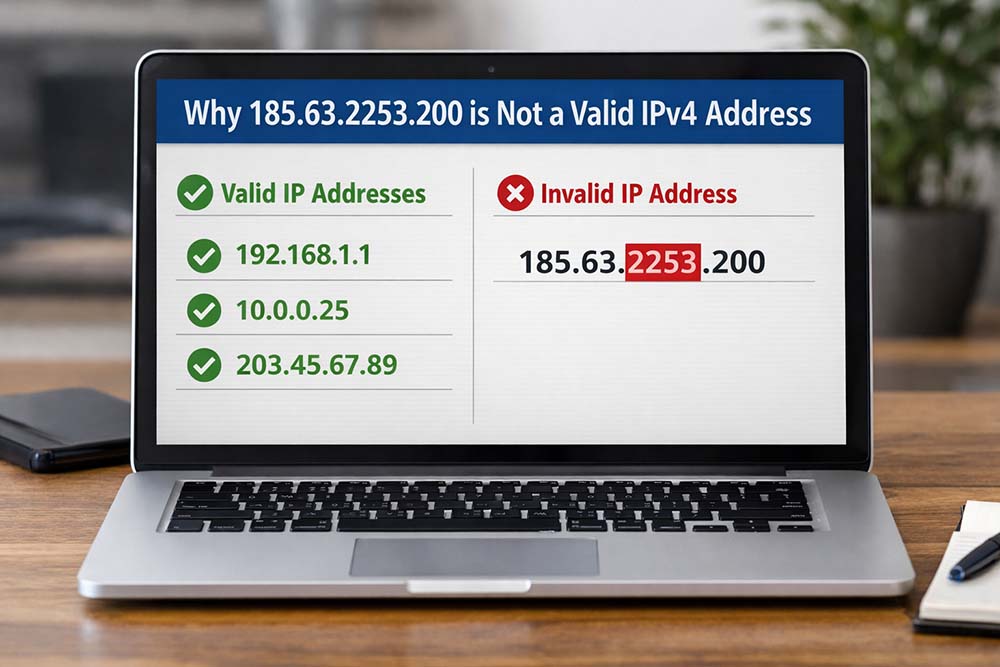
Every device connected to the internet relies on an IP address to communicate, share data, and access online services. These addresses may look simple, but they follow strict technical rules that cannot be ignored. When an address breaks those rules, it becomes unusable, no matter how convincing it appears at first glance. One example that often raises questions is 185.63.2253.200, which seems valid on the surface but fails essential technical standards. Understanding why this format does not work can help users, developers, and administrators avoid costly mistakes and network problems.
What Is an IPv4 Address?
An IPv4 address is a unique numerical label assigned to every device connected to a network using Internet Protocol version 4. It serves as a digital network, enabling data to flow between computers, servers, smartphones, and routers.
IPv4 addresses are written in a dotted-decimal format and consist of four numerical sections separated by periods.
For example:
- 192.168.1.1
- 8.8.8.8
- 172.16.10.25
Each section plays a vital role in identifying networks and individual devices.
Without properly formatted IP addresses, modern internet communication would simply not function.
The Standard Structure of IPv4 Addresses
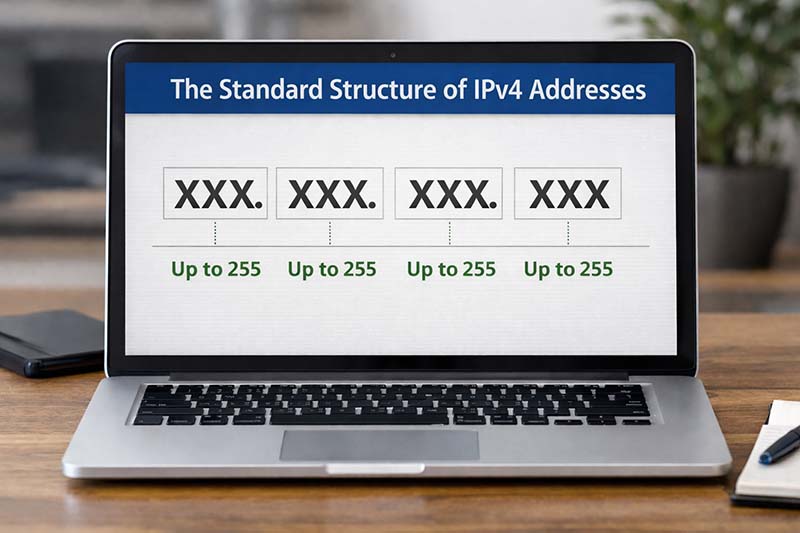
To determine whether an IP address is valid, you first need to understand its structure.
Every IPv4 address must meet these conditions:
- It must contain exactly four sections
- A dot must separate each section
- Each number must be between 0 and 255
- No extra spaces, symbols, or letters are allowed
This format exists because each section represents 8 binary bits. Since 8 bits can only store values up to 255, no section can exceed that limit.
A correct structure looks like this:
X.X.X.X
(Where X ranges from 0 to 255)
If any part of the address breaks this rule, the address becomes invalid.
Why This Address Fails IPv4 Validation
At first glance, the address in question looks legitimate. It contains four sections and follows the dotted format. However, the problem becomes obvious when you examine it closely.
Let’s break it down:
- 185 → Valid
- 63 → Valid
- 2253 → Invalid
- 200 → Valid
The third section contains the number 2253, which exceeds the maximum allowed value of 255.
Because even a single incorrect section makes the entire address unusable, this single error invalidates the format as a whole.
No network device, router, or server can process an address with values outside the accepted range.
How IPv4 Limits Are Determined
Each section of an IPv4 address represents 8 bits of binary data.
These bits range from:
00000000 = 0
to
11111111 = 255
This technical limitation defines the boundaries of IPv4 addressing. Any number larger than 255 cannot be represented within 8 bits, making it impossible for networking systems to interpret.
This is not a guideline or recommendation. It is a fundamental rule built into IPv4.
Why Invalid IP Addresses Appear So Often
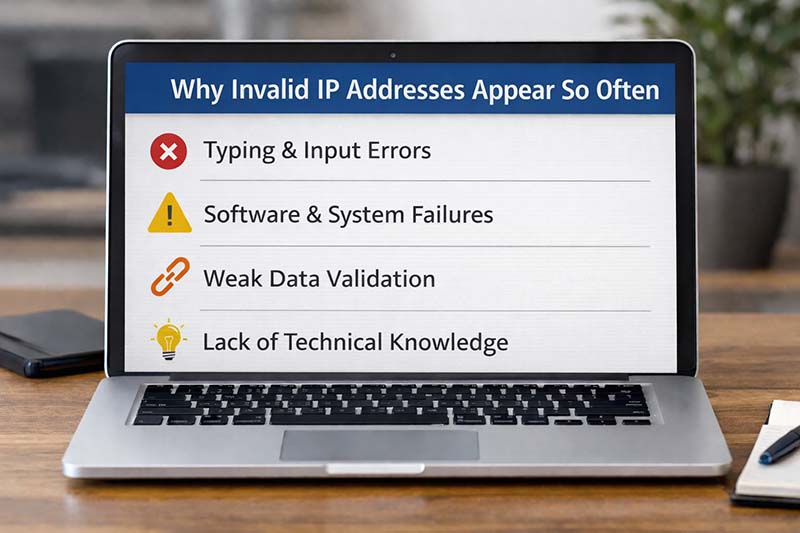
In real-world systems, invalid IP addresses appear more frequently than many people expect. They usually result from simple mistakes rather than malicious intent.
Typing and Input Errors
Manual entry remains one of the most common causes. A single misplaced digit can turn a valid address into an invalid one.
Examples include:
- Adding extra numbers
- Missing a decimal point
- Copying incomplete data
- Typing too quickly
Even experienced administrators occasionally make these errors.
Software and System Failures
Some applications generate placeholder addresses when data is missing or corrupted. These may appear in:
- Server logs
- Error reports
- Debug outputs
- Crash records
In such cases, the address is not meant to represent a real device.
Weak Data Validation
If systems lack proper validation rules, incorrect addresses may enter databases unnoticed. Over time, this can lead to widespread data integrity problems.
Lack of Technical Knowledge
Many non-technical users assume that any numbers separated by dots form a valid IP address. Without proper training, these misunderstandings are common.
IPv4 vs IPv6: Clearing Up Confusion
Another reason invalid formats appear is confusion between IPv4 and IPv6.
IPv4 example:
192.168.1.1
IPv6 example:
2001:db8:85a3::8a2e:370:7334
IPv6 uses hexadecimal characters and colons instead of decimal numbers and dots. Mixing elements of both systems often results in invalid addresses.
The address discussed here does not match IPv6 rules either, making it invalid under both standards.
Why Using Valid IP Addresses Matters
In professional environments, incorrect IP data can create serious problems.
Some common consequences include:
- Failed server connections
- Website outages
- Firewall misconfigurations
- Security vulnerabilities
- Inaccurate analytics reports
- Delayed deployments
In real hosting and cloud environments, even one incorrect address can trigger warnings, failed builds, or blocked traffic.
Maintaining accurate IP formatting is essential for stability, performance, and security.
How to Verify an IP Address
Fortunately, checking whether an IP address is valid is straightforward.
Manual Verification
You can quickly check by following these steps:
- Count the sections (must be four)
- Confirm each section is between 0 and 255
- Look for extra spaces or characters
This method works well for quick reviews.
Online Validation Tools
Many networking tools and websites can instantly validate IP formats. These tools are helpful when handling large datasets.
Official Technical References
For authoritative standards, you can consult the original IPv4 specification published by the Internet Engineering Task Force:
This document defines the structure of IPv4 addresses.
Programmatic Validation
Developers should rely on trusted libraries and built-in functions rather than writing custom validation logic. This reduces errors and improves reliability.
Best Practices for Managing IP Data

To minimize problems related to invalid addresses, organizations should follow proven practices.
Enforce Input Validation
All systems that accept IP addresses should verify formatting before storing data.
Use Trusted Networking Libraries
Well-maintained libraries follow official standards and handle edge cases correctly.
Monitor Error Logs
Regularly reviewing logs helps identify recurring input issues and suspicious activity.
Train Technical Staff
Basic IP knowledge should be part of IT onboarding and documentation.
Keep Software Updated
Modern tools often include improved validation and security features. Updates help prevent outdated errors.
Technical and SEO Impact of Incorrect IP Information
From an SEO and analytics perspective, invalid IP data can quietly undermine performance.
Potential issues include:
- Incorrect visitor geolocation
- Faulty security filtering
- Misidentified traffic sources
- Inaccurate spam detection
Search engines and monitoring tools rely on clean technical data. Poor IP management can indirectly affect reporting, security, and site reliability.
Maintaining accurate records supports both technical health and long-term digital growth.
FAQs
What makes an IPv4 address invalid?
An IPv4 address is invalid if it contains values outside the 0–255 range, has more or fewer than four sections, includes extra characters, or does not follow the dotted format.
Can any part of an IP address be larger than 255?
No. Each section represents 8 bits and cannot exceed 255 under any circumstances.
Why do I see invalid IPs in my logs?
They usually come from user errors, corrupted data, system placeholders, or misconfigured software.
Is this address valid under IPv6?
No. It does not conform to IPv6 formatting rules and is invalid under both IPv4 and IPv6.
How can I prevent invalid IP entries?
Use automated validation, reliable libraries, and regular monitoring. Proper staff training also helps reduce mistakes.
Conclusion
Understanding how IP addresses work is essential for anyone managing digital systems. Minor formatting errors can lead to major technical issues if they go unnoticed. By learning IPv4 rules and applying appropriate validation methods, users and professionals can maintain stable, secure networks. Recognizing why 185.63.2253.200 does not meet these standards reinforces the importance of accuracy in modern internet communication.
Also Read: Why 264.68.111.161 Isn’t a Valid IP